
How to Fly in Moonlight Quest: A Beginner's Guide
Learn how flying works in Winx Club Moonlight Quest: takeoff, altitude, landing, stamina and camera tips for Bloom's open-world flight.
Quick answer: Flight is Bloom's main way to cross the open world. Take off from open ground, gain height before you move forward, and land on flat surfaces rather than rooftops. Exact buttons are not published yet, but the game supports full controller play and recommends a gamepad.
Flight is the feature that separates Moonlight Quest from a standard licensed adventure. The store description promises free exploration, and every official screenshot shows Bloom airborne. If you are new to flight games, the first hour can feel like fighting the camera. This guide explains the skills in the order you need them: takeoff, altitude, turning, landing and stamina management.
Once you can fly, the world opens up. Use the open-world map→ to pick a route, and the controls guide→ for button layout.
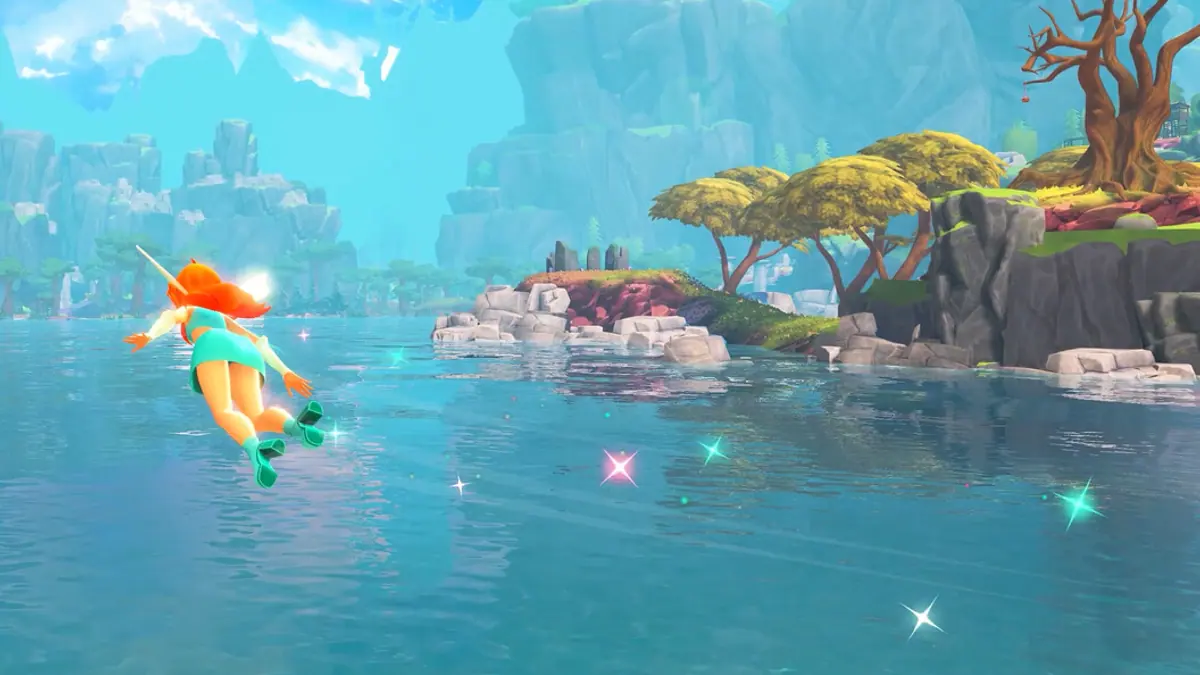
Step 1: Get airborne cleanly
Most flight games use one of two takeoff models:
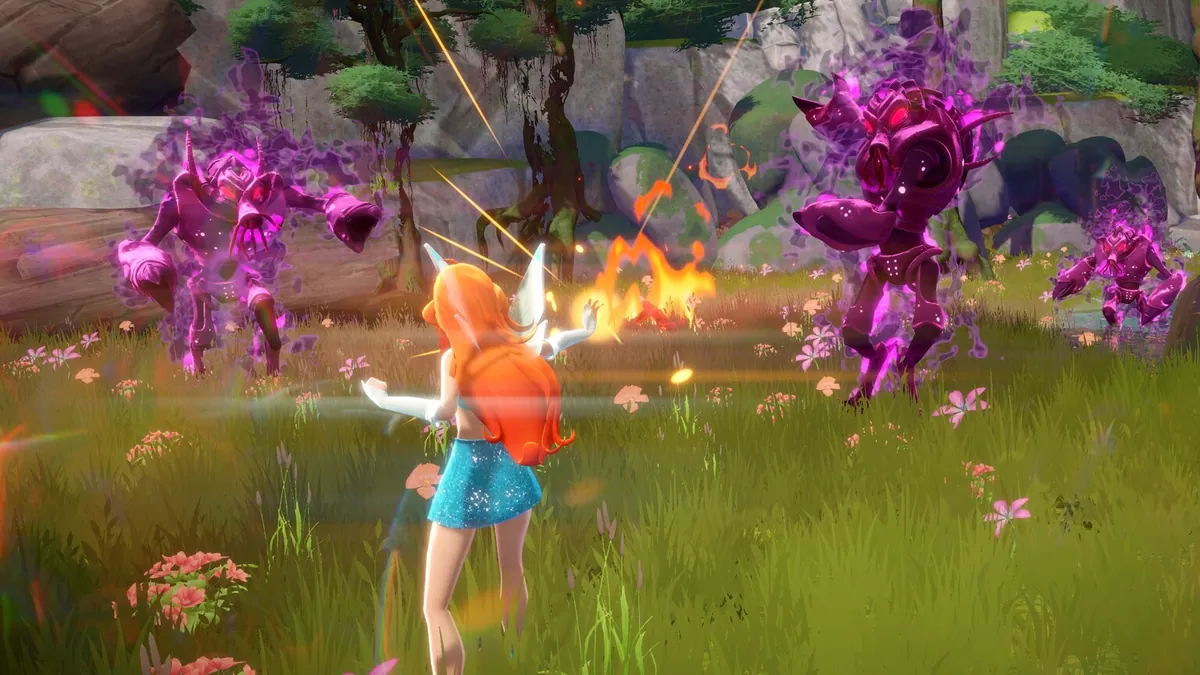
- Hold to ascend. You press and hold a button, Bloom rises vertically, then you tilt the stick to move.
- Jump then glide. You jump, press the flight button in mid-air, and transition into forward flight.
Moonlight Quest has not documented which model it uses. Try both on the Alfea lawn:
- Stand in open space with no tree canopy overhead.
- Press the jump or flight button once.
- If nothing happens, hold it.
- If Bloom rises, you are in the hold-to-ascend model.
- If she hops, press the flight button again while airborne.
Do not start on a rooftop. Takeoff needs clearance; clipping a chimney will cancel the animation and drop you.
Before takeoff, push the right stick up so the camera looks slightly down. You will see the ground and the horizon at once, which makes the first ascent less disorienting.
Step 2: Understand altitude
Altitude is your main safety resource. The higher you are, the more time you have to correct a mistake.
A simple ladder:
- Low (tree height): good for collecting and close inspection; risky near buildings.
- Mid (tower height): the best travel band; landmarks stay readable.
- High (cloud layer): fastest long-distance travel, but the map may hide minor icons.
Climb before you cross a city. Magix City's towers are dense, and flying between them at street level is slower than going over them. In open countryside, low flight is more fun and reveals collectibles.
Step 3: Turn without losing control
New pilots usually bank too hard and stall. Use small inputs:
- Push the stick gently in the direction you want to go.
- Let the camera follow; do not fight it with the other stick.
- If you overshoot, release the stick and let Bloom recenter before correcting.
If the game has a brake or hover button, learn it early. Hover is useful for lining up a landing or reading a puzzle.
Step 4: Land where you can walk away
Landing is the skill that saves the most time. Aim for:
- Grass, courtyards, wide streets and flat rooftops with railings.
- Not slopes, water, tree crowns or moving platforms.
- Not the edge of a cliff until you know whether fall damage exists.
Approach at a shallow angle, reduce speed, and descend in the last few meters. If you are coming in hot, pull up and circle rather than forcing the landing.
We do not know whether Moonlight Quest has fall damage. Until you test it from a low ledge, avoid long drops.
Step 5: Manage stamina or flight energy
Many flight games use a stamina bar, a heat meter or a fuel timer. Moonlight Quest has not confirmed one. If a ring or bar appears near Bloom while flying, that is your endurance meter.
Rules that apply to almost every flight system:
- Do not empty the bar over a void. Keep a reserve for the final landing.
- Look for refill points. Rings, updrafts, glowing spots and perches often restore energy.
- Glide to save energy. Descending flight is usually cheaper than climbing.
- Upgrade early. If the skill tree offers flight duration, take it before combat upgrades.
Camera and motion comfort
Flight games can cause motion sickness. Adjust before you get ill:
- Lower camera sensitivity.
- Widen the field of view if the game allows it.
- Turn off camera shake.
- Sit farther from the screen.
- Take breaks during long collection sessions.
The game is rated for a family audience, so it likely ships with comfort options. Check the settings menu before the first long flight.
Flight and transformation
Bloom's fairy form is the flight form. If you land and revert, you will need to transform again to take off. Some games allow hovering in human form; others do not.
Read the transformation guide→ for the sequence. If takeoff stops working, check whether you are still transformed.
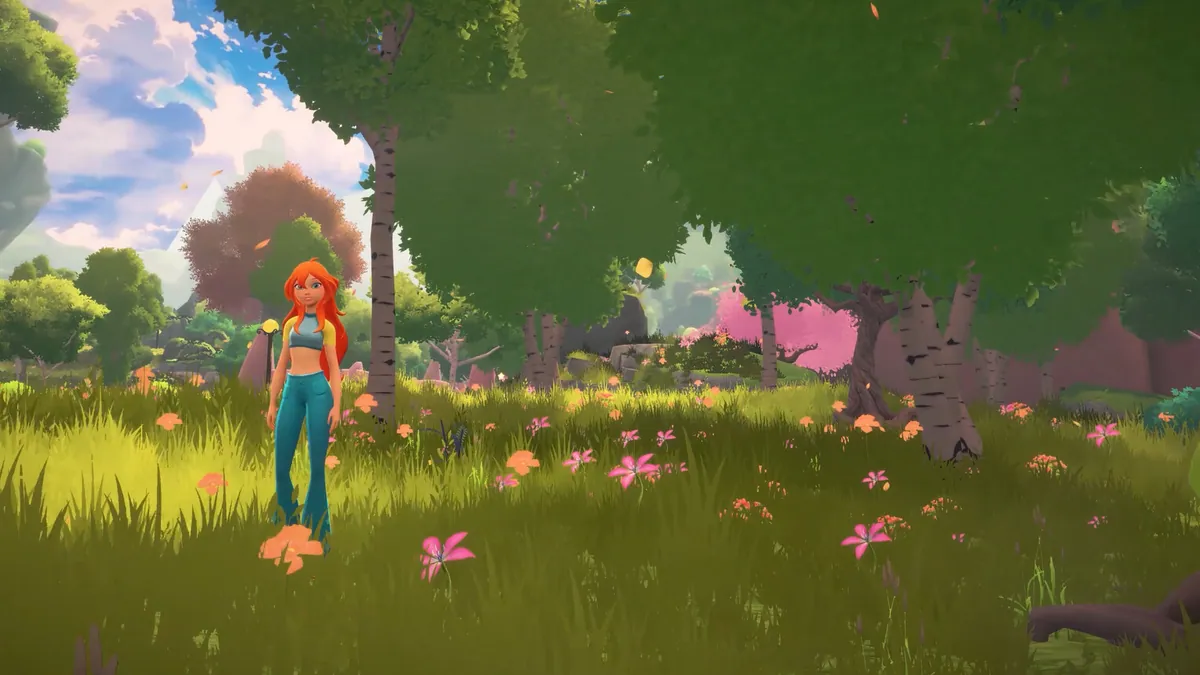
Practice route for new pilots
Run this route once and you will be comfortable:
- Take off from the Alfea courtyard.
- Fly a slow circle at tree height.
- Climb to tower height and cross the campus.
- Land on the widest path you can see.
- Take off again and follow the perimeter.
- Fly to the lake and practice a shoreline landing.
- Return to the courtyard and land near the center.
Ten minutes of deliberate practice beats an hour of crashing through the story.
FAQ
What button do you press to fly? Not officially confirmed. The game supports controllers, so check the control map; it is likely a face button or a hold.
Can Bloom fly in human form? Unconfirmed. Flight is tied to her fairy transformation in the marketing.
Is there a stamina limit? Not confirmed. Watch for a meter during the first flight.
Can you fly inside buildings? Probably not. Interiors usually restrict flight for camera and collision reasons.
Sources
- Winx Club - Moonlight Quest on Steam ↗ — free flight and open-world description.
- PlayStation Store listing ↗ — platform and controller details.
- Balio Studio ↗ — developer site.
- Official press release ↗ — flight-focused announcement.
Official source: store description checked November 17, 2026. Exact controls and stamina rules are not officially confirmed.