
Moonlight Quest Crash Fix Guide
Fix Winx Club Moonlight Quest crashes on PC and PlayStation: launch failures, freezes, black screens, driver conflicts and safe-mode steps.
Quick answer: For crashes, verify game files, update the GPU driver, disable overlays, and run the game as administrator once. On PS5 or PS4, rebuild the database and reinstall if the crash repeats. Most launch crashes are driver or overlay conflicts, not the game itself.
A crash at launch is frustrating because there is no error message to search. This guide works from the cheapest fixes to the most invasive, and it separates PC from console steps so you do not waste time on the wrong platform.
For frame drops without a crash, read low FPS→. For system specs, see PC requirements→.
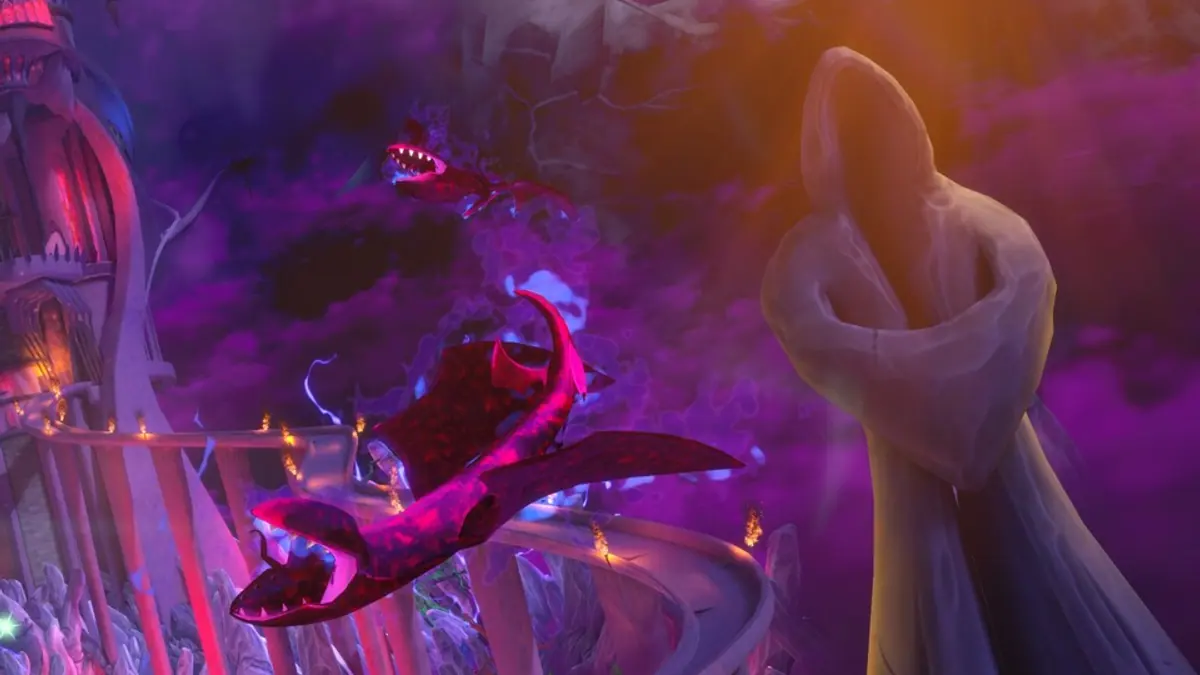
First: identify the crash type
- Instant close on launch. Usually a driver, overlay or missing runtime.
- Black screen with audio. Often a display mode or GPU issue.
- Freeze mid-game. Heat, RAM, or a specific asset.
- Crash at a story moment. Could be a corrupted save or a repeatable bug.
- Console crash with error code. Hardware or system software.

Write down what happens and whether it is repeatable. That determines the fix.
Back up your save before troubleshooting. On PC, find the save folder in Documents or AppData. On PlayStation, upload to cloud storage.
PC fixes, in order
1. Verify game files
Steam → right-click the game → Properties → Installed Files → Verify integrity. This replaces corrupted files without touching your save.
2. Update the GPU driver
Use NVIDIA, AMD or Intel's official tool. Choose a clean install if you recently changed hardware. A driver from 2024 can crash a 2026 game.
3. Disable overlays
Overlays are a common crash cause:
- Steam overlay.
- Discord overlay.
- NVIDIA/AMD overlay.
- Xbox Game Bar.
- Recording software.
Disable them one at a time and test.
4. Install the Visual C++ runtimes
A missing runtime usually prevents launch entirely. Install both x86 and x64 versions from Microsoft's official page.
5. Run as administrator once
Right-click the exe → Run as administrator. If it works, the game needed write access to its config folder. You do not need to do this every time.
6. Set the GPU explicitly
Laptops with hybrid graphics may launch on the integrated GPU and crash. In Windows Graphics Settings, add the game exe and set it to High Performance.
7. Check the display mode
If the game crashes on launch with a black screen:
- Delete the config file so it regenerates.
- Launch in windowed mode if the game supports a flag.
- Disconnect extra monitors.
- Set the desktop refresh rate to 60 Hz temporarily.
8. Clear the shader cache
A corrupted cache can freeze during loading. Delete the game's cache folder and let it rebuild.
9. Check RAM and thermals
Random freezes under load can be hardware:
- Run a memory test.
- Monitor GPU and CPU temperatures.
- Remove overclocks, including XMP, temporarily.
10. Reinstall
Last resort. Back up saves first. A clean reinstall fixes corrupted installations that verify cannot repair.
PlayStation fixes
PS5
- Update system software.
- Delete and reinstall the game.
- Rebuild the database (Safe Mode).
- Clear the cache.
- Try another user profile to rule out save corruption.
- Check the error code in Sony's support database.
PS4
- Update system software.
- Rebuild the database.
- Reinstall the game.
- Initialize the console only after backing up saves.
If the console crashes in other games too, the issue is hardware or system software, not Moonlight Quest.
Crashes at a specific story moment
If the game crashes at the same cutscene or boss:
- Lower settings and frame rate cap.
- Skip the cutscene if possible, then watch it later.
- Load an earlier save.
- Check the publisher's support page for known issues.
- Report the mission name and platform; repeatable bugs get patched.
Do not replay the same moment ten times without changing something. Change one variable per attempt.
Crash logs
On PC, check:
- Windows Event Viewer → Windows Logs → Application.
- The game's own log folder, if it has one.
- Steam's crash dump folder.
Search the faulting module name. A nvwgf2umx.dll crash points to NVIDIA; a UnityPlayer.dll crash points to the engine. That tells you which support channel to use.
When to ask for a refund
If the game crashes on launch after two hours of troubleshooting and you are within Steam's refund window, refund. A game that does not start is not a game you can evaluate.
If you are outside the window, contact the publisher's support with your dxdiag and crash log.
Prevention
- Keep the GPU driver current.
- Do not overclock during the first week.
- Leave 15% free space on the system drive.
- Back up saves before big story missions.
- Avoid running multiple overlays.
FAQ
Why does Moonlight Quest crash on launch? Most often a driver, overlay or missing runtime. Verify files and update the GPU driver first.
Does the game crash on PS5? No widespread reports yet, since it is unreleased. Standard console steps apply if it does.
Will a patch fix crashes? Launch-window patches often do. Check official channels before reinstalling Windows.
Can a corrupted save cause crashes? Yes, especially at story transitions. Try an earlier save.
Sources
- Winx Club - Moonlight Quest on Steam ↗ — official page and requirements.
- PlayStation Support ↗ — console troubleshooting.
- Microsoft Visual C++ downloads ↗ — official runtimes.
- Balio Studio ↗ — developer site.
Official source: platform support pages checked November 17, 2026. Crash fixes are general troubleshooting advice, not official support steps.